
Verifying Your Identity with Strong Customer Authentication (SCA)
To protect your Efty Pay account and comply with financial regulations, our payment partner Mangopay requires Strong Customer Authentication (SCA) when you register or make important changes to your account.
Why SCA Is Important
This extra verification step exists primarily to ensure that only you can access sensitive parts of your account, such as changing your bank account details for payouts. Without this added security, someone with access to your login credentials could potentially redirect your funds, which is precisely what SCA is designed to prevent.
What Is Strong Customer Authentication?
SCA is part of the European PSD2 regulation and requires you to confirm your identity using at least two of the following:
- Something you know (like a password or PIN)
- Something you have (such as your phone or a security key)
- Something you are (like a fingerprint or facial recognition)
SMS-Based Verification Doesn’t Work in the USA and China
Currently, Mangopay’s SMS-based SCA method is not reliable in the United States and China. If you're located in one of these countries, you should complete your SCA using Passkey authentication instead of choosing Phone.
How to Verify Using a Passkey
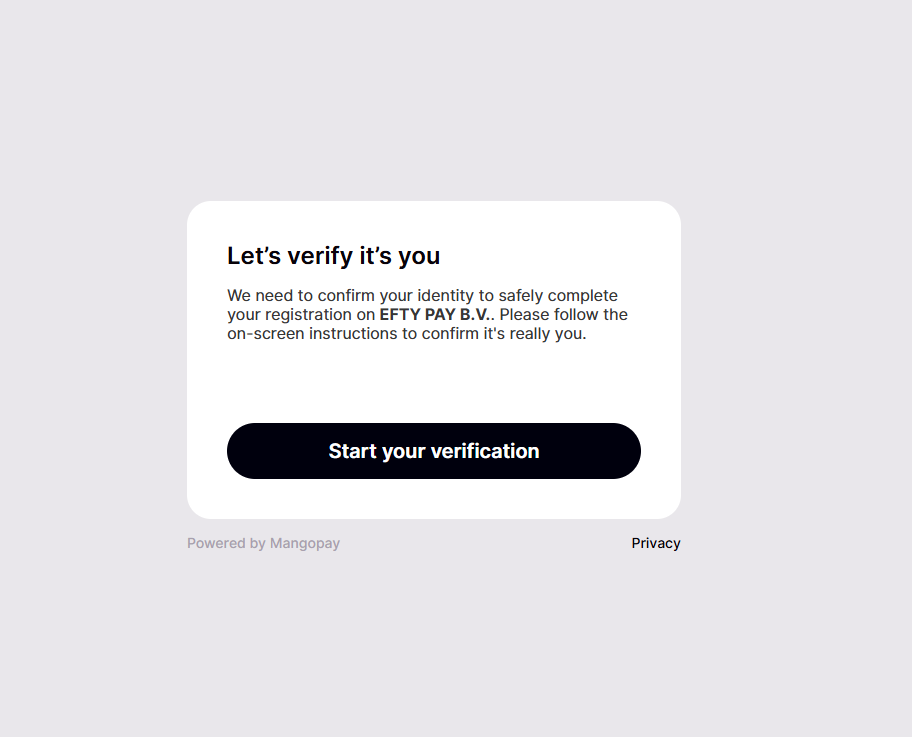
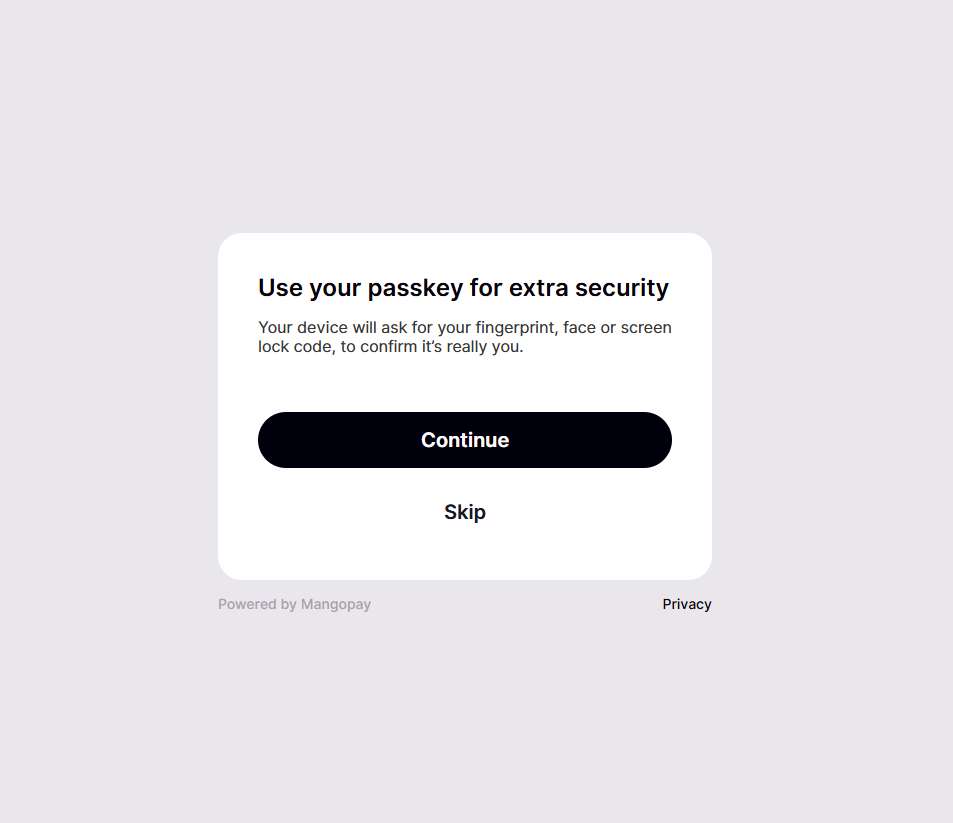
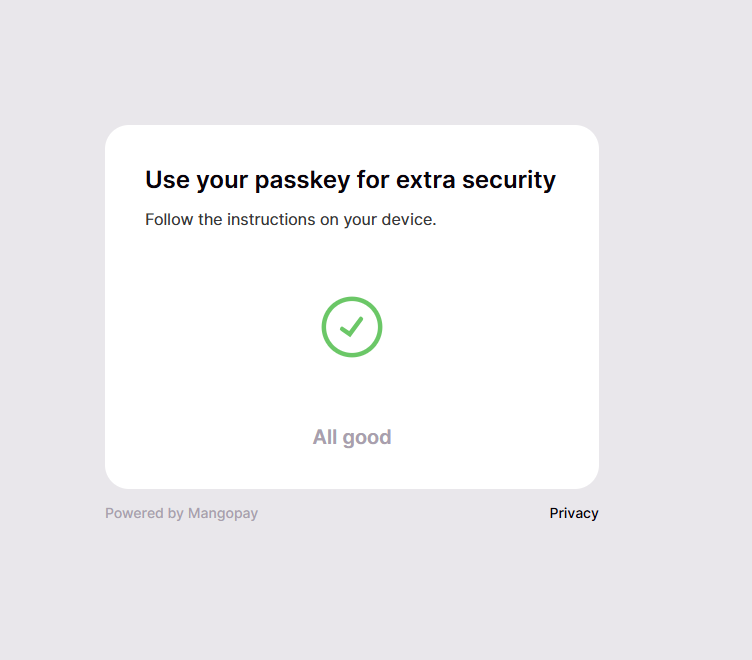
If you're in the USA or China, or prefer a faster and more secure method, you'll be guided to use your device’s biometric or screen lock security. Here's what to expect:
-
Start your verification
-
Authenticate using Passkey
-
Confirmation successful
Tips if You Run Into Trouble
- Make sure your device supports biometrics or passkeys.
- If you’re shown the option to verify by SMS and it fails, choose “Skip” to proceed with Passkey instead.
- If you're still having trouble, please reach out to our support team for assistance.