
Setting up Mailchimp integration
Start capturing email addresses and build an email list of potential buyers who visit your Domain Shop with Mailchimp. To get started, sign in to your existing Mailchimp account or sign up for a free account here.
Once you are signed into your account, you navigate to Campaigns and click “Create Campaign”

Next up, click “Signup Form”

In the next screen, select “Pop-up Form” – this is important as only the pop-up forms are supported on Efty.

On the next screen, you can customize the text, colors, position, and much more of your pop-up. Once you’re satisfied, click on the blue “Generate code” button in the right-hand corner.

Now you copy the generated code

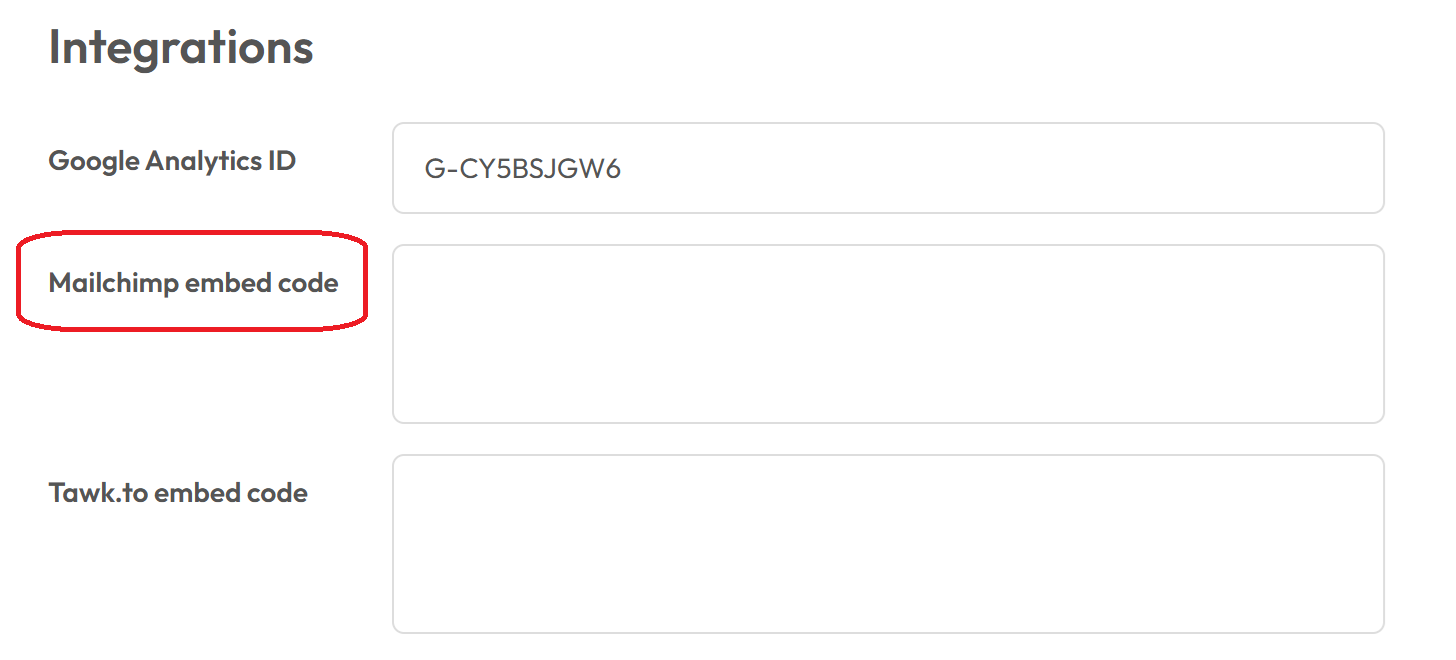
Then navigate back to the Settings > Domain Shop page in your Efty Investor account, where you paste the code into the Integrations field that says ” Mailchimp embed code”
Scroll down, click Save, and you’re all set!