
Email Verification for Inquiries on Efty Investor
Learn how verified inquiries help you filter out spam and ensure every inquiry in your inbox comes from a real, verified buyer.
You can switch on verified inquiries from your Settings > For-Sale Landing Pages page.
When you enable verified inquiries, anyone making an offer or inquiry through your Efty for-sale landing pages or Domain Shop must verify their inquiry via email. This is a simple, one-click process that keeps things easy for potential buyers while ensuring that all inquiries you receive are genuine.
How it works
- A potential buyer submits an offer or inquiry through your for-sale landing page.
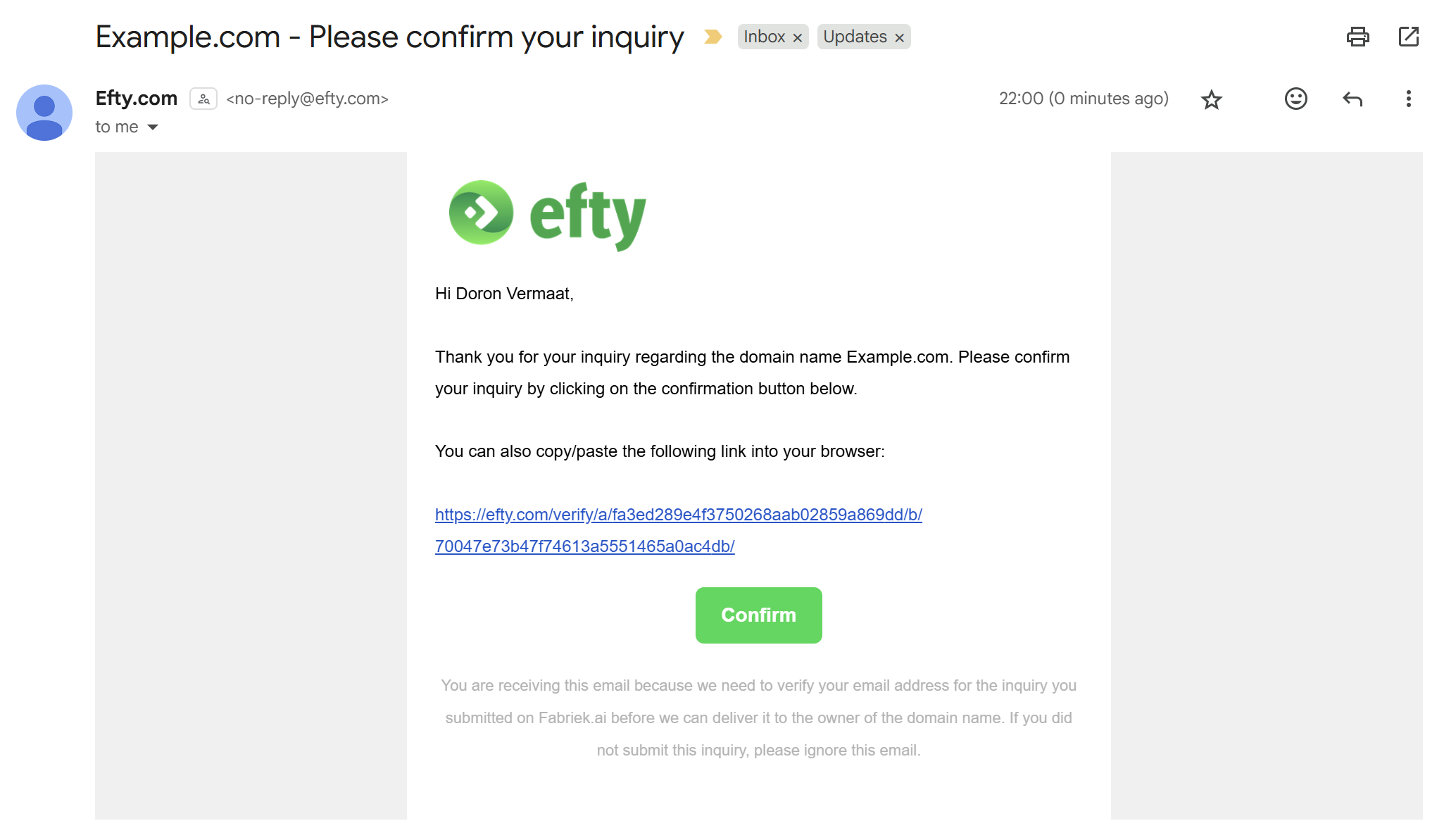
- Efty Investor sends them an email with a unique verification link.
- When the buyer clicks the link, their inquiry is verified, moved to the Confirmed Inquiries folder, and emailed to you.
-
If the buyer does not click the verification link, their inquiry remains unverified. It will still appear under Inquiries > All Inquiries (unless flagged as spam), but you will not receive an email notification for it.
This means that with verified inquiries enabled, any inquiry that lands in your inbox is guaranteed to come from the sender whose details are in the email.
Folders overview
- All Inquiries: Displays all inquiries that are not flagged as spam, including both verified and unverified ones.
- Confirmed Inquiries: Displays only verified inquiries (buyers have clicked the verification link). These are also emailed to you.
- Spam: Displays inquiries automatically flagged as spam.
Why enable verified inquiries
Turning on verified inquiries helps you:
- Filter out spam and fake submissions.
- Receive only verified inquiries in your inbox.
- Maintain access to all potential leads, verified or not, in your Efty Investor dashboard.
It’s an easy way to focus on serious buyers while keeping full visibility on every inquiry that comes in.
Prefer a simpler buyer experience?
If you’d rather not require buyers to verify their email address, you can switch off verified inquiries from your Settings > For-Sale Landing Pages.
When verification is switched off:
- Buyers can submit inquiries without verifying their email.
- You’ll receive email notifications for all inquiries that are not flagged as spam.